Welcome to EasyMaker3D
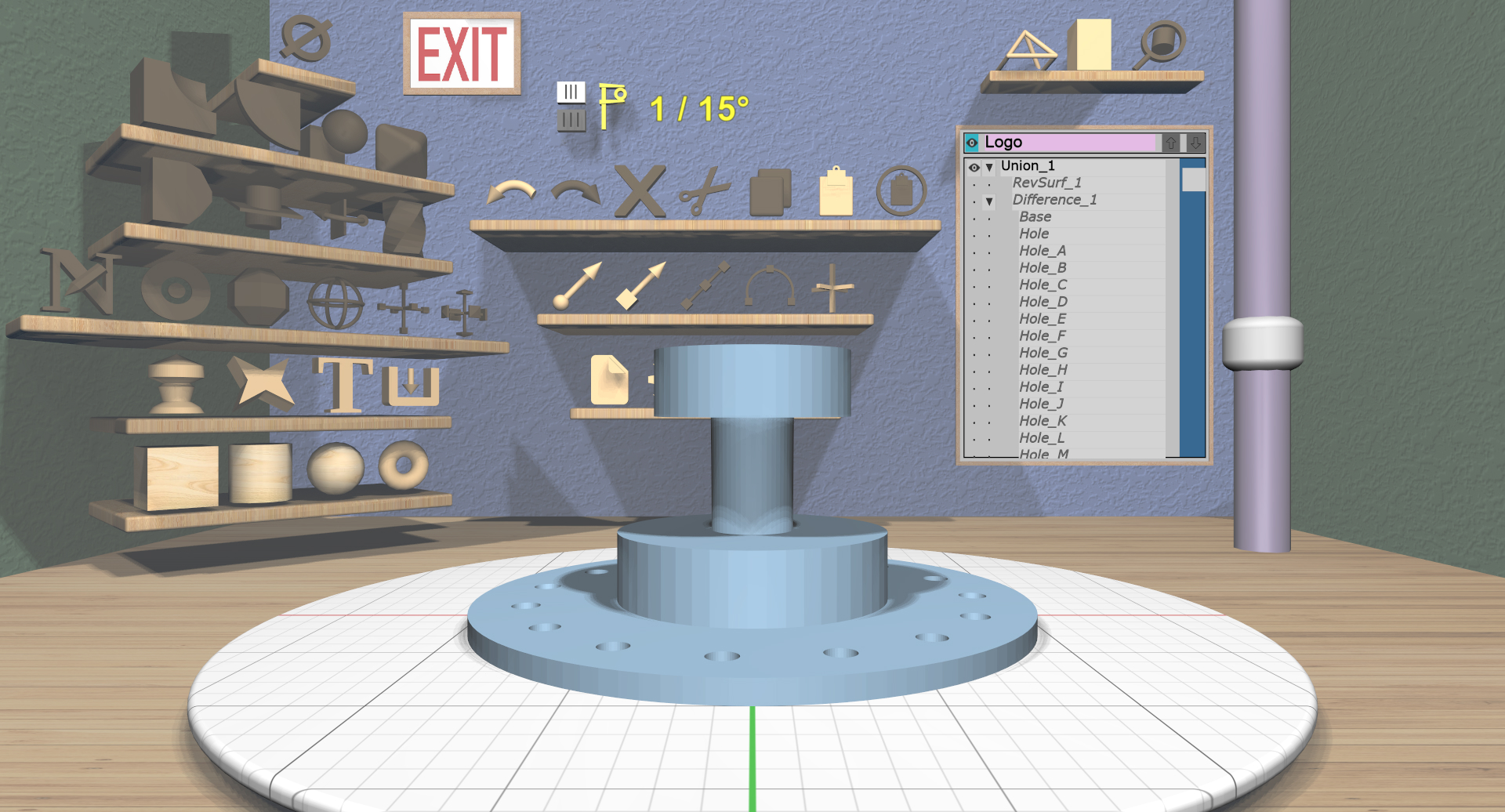
EasyMaker3D is a VR-enabled application for creating 3D-printable models. “VR-enabled” means that it can be used in VR, but also works in a standard mouse+keyboard configuration. It can also be used in VR without the headset on. In that mode, you can use any combination of VR controllers, mouse, and keyboard.
You can create many different types of models and then save them as STL files that can be sent to a 3D printer.
EasyMaker3D is available for Windows, Mac, and Linux. The Mac version may or not work in VR due to the lack of official SteamVR support.
Installing and Running EasyMaker3D
The application is available to download from the download site (on Google Drive).
Windows or Linux: Download the Zip file for your operating system and extract the EasyMaker3D folder from it. Open the folder and execute the EasyMaker3D executable file. Note that the application must be run from inside this folder.
Mac: Download the DMG file and use it to run or install the application.
VR Only
Instructions for setting up your VR device for use with EasyMaker3D are on this page.
Next Steps
EasyMaker3D is pretty intuitive once you get to know a few things. If you want to dive right in, you can try the EasyMaker3D Quickstart. Otherwise, take a look at the User Guide first. There is also a compact guide to keyboard shortcuts in the Cheat Sheet.
Problems?
If for some reason EasyMaker3D crashes, it saves a crash session file in the same directory it is run in. This file will contain the session up to the point of the crash, so you can load it to get back to where you were.
Feel free to open a new issue to report a bug or request a feature. Please include the crash file in your report if applicable.